If you can’t find a map for your area, you can still create a free listing
it’s a +1 vote for us to support that area.
Get set up in 3 simple steps
1. Download the app
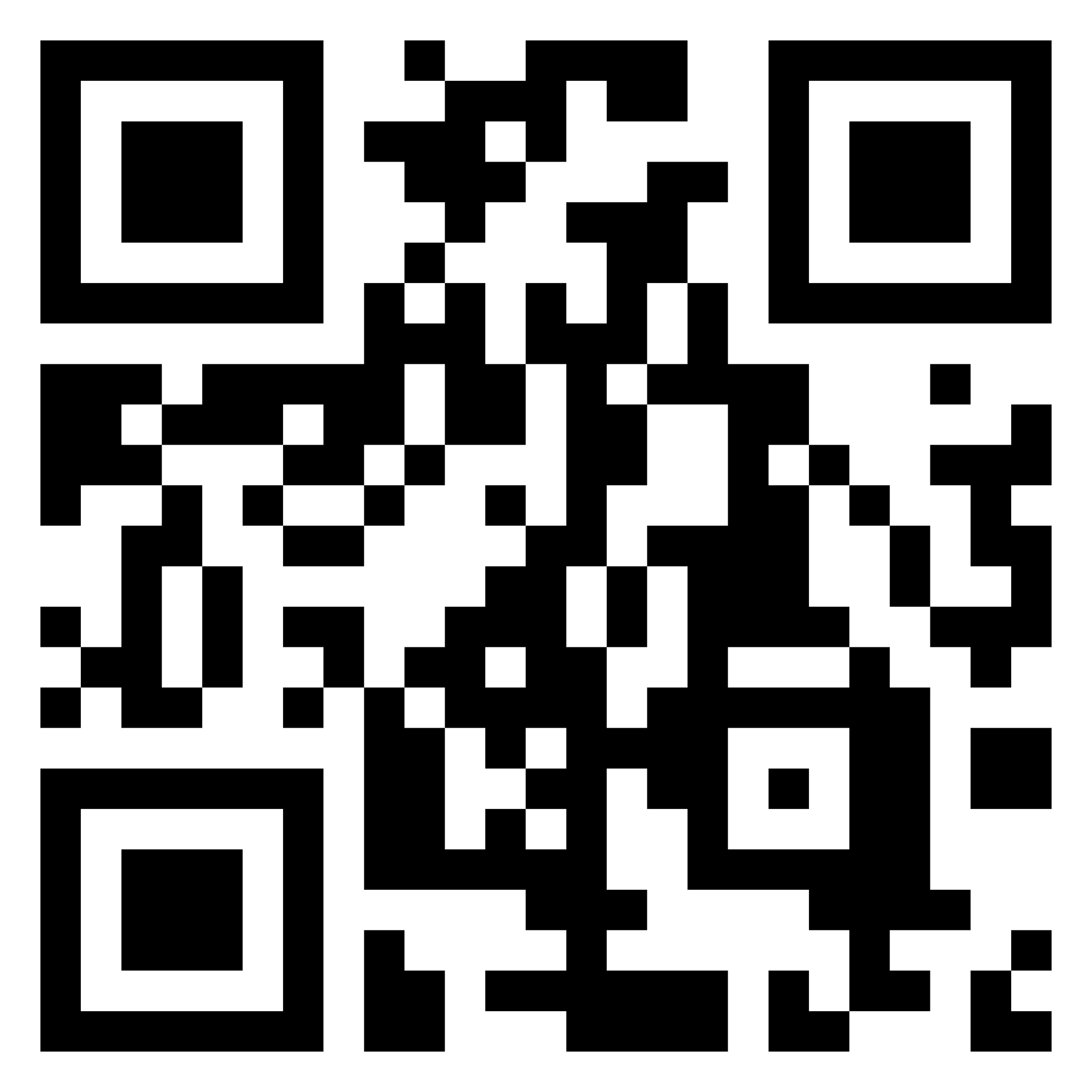
Scan the QR code or use the app store links to install Mapzest.
2. Sign up
Create an account using your email address or Google login.
⚠️ Don’t continue as a guest — you won’t be able to create or manage listings.
Already using the app as a guest? Sign out, then sign up.
3. Verify your Email / Google login
Check your inbox / spam folder and follow the instructions.
That’s it!
Select your Plan within the app, including the FREE tier option